Together with their families
Alex & Sam
Weddings · engagements · save the dates
Your guests will open your wedding link on their phones, probably while waiting in line for coffee. Make that moment feel like the invitation in the mail: your names, the date, the venue and a quiet “Kindly reply.” One tap, and they’re on the list.
Together with their families
Alex & Sam
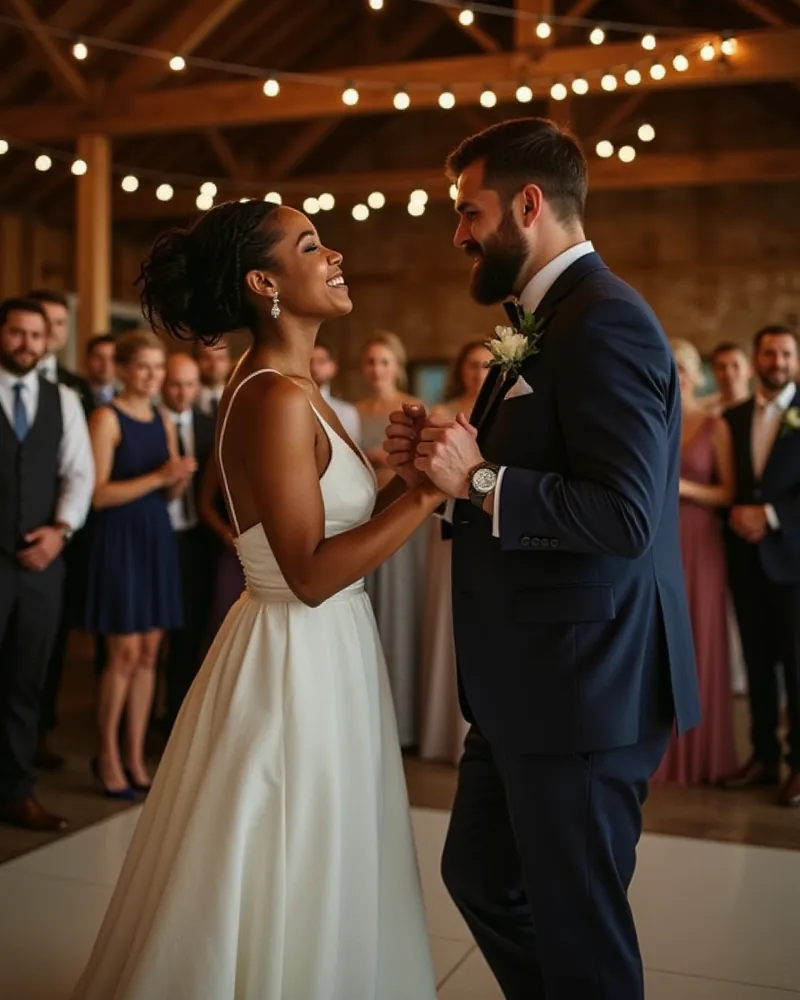
Photos are AI-generated illustrations.
No. 01 What couples use it for
No. 02 Cinematic backdrops ✦
Behind your invitation: a slow golden-hour vineyard, a candlelit table, a reception hall, a beach at sunset. Moving scenes, not stickers. A paid extra that comes with an event upgrade or a Host/Pro plan (opening soon).
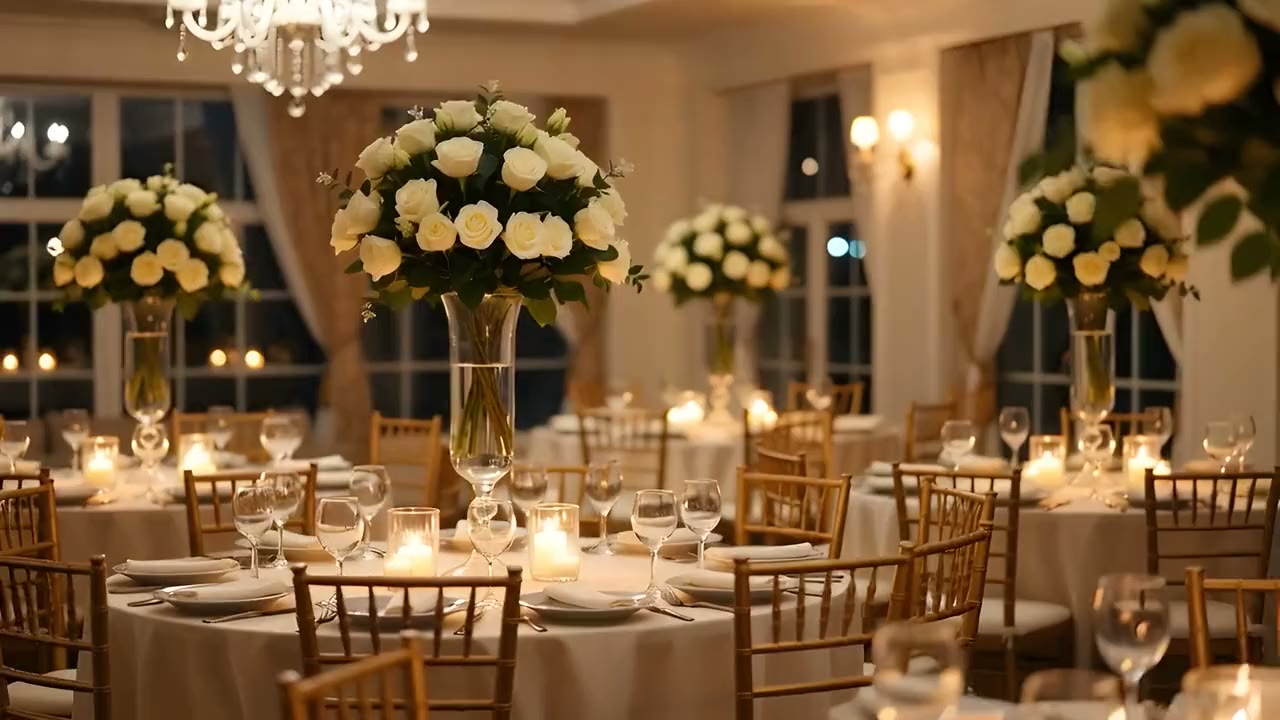
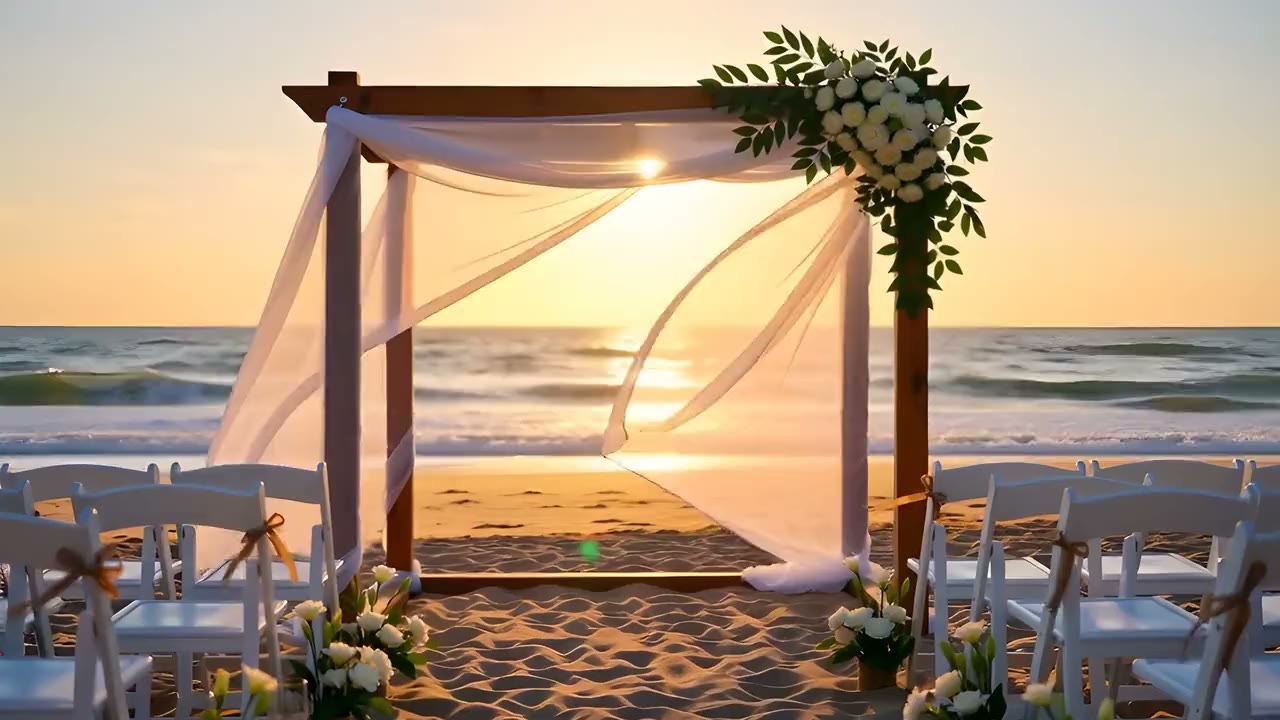


Shown as still frames. The scenes are AI-rendered in our own studio; on your page they move.
No. 03 What it isn’t
Save a Seat is an invitation and RSVP page, not an all-in-one wedding planning suite. If you want a planning checklist and a vendor marketplace, the big wedding sites do that. If you want the invitation itself to be the beautiful part, and replies that count themselves, that’s us.
No. 04 How it works
Choose Wedding, add your names, date and venue, pick a look.
Publish and try it free with up to 30 guests.
Text it, email it or print it on the paper invitation.
No. 05 Pricing
Most weddings are bigger than the Free plan’s 30-guest limit. The one-time event upgrade removes the limit and the branding, and adds your own custom link, signature themes, CSV export and co-hosts. No subscription.
Paid plans open soon. Everything on the Free plan works today — start free and upgrade when they arrive.
Try it with one event at a time.
One big occasion, paid for once.
$5.75/mo, billed yearly · or $12/mo billed monthly
$12.42/mo, billed yearly · or $19/mo billed monthly
Host and Pro renew automatically each month or year until you cancel. Cancel anytime from your dashboard (Account → Manage billing). The event upgrade is a one-time payment.
Planning an engagement party, a shower and a wedding in the same year? Host upgrades all of them.
Free is a good fit for trying it out or for a small elopement dinner.
Opening soon on every plan, including Free. Money will go straight to your bank through Stripe, with a small fee per payment and nothing monthly.
No. 06 Questions
No. They open your link and reply in one tap, with no app and no account.
Yes. You can ask for a meal choice and dietary notes on the RSVP form.
Yes. Turn on guest names to collect each person’s name, not just the head of the party.
You can publish free for up to 30 guests. For a full wedding, the $29 one-time upgrade removes the guest limit and branding and adds a custom link (opening soon).
Yes. Upgraded events include co-hosts who can edit the page and see every RSVP (opening soon).
Yes. Group gifts are available on every plan once payments open (coming soon), with card processing (2.9% + 30¢) plus a 2% platform fee that givers can choose to cover.
R.S.V.P.
Make your wedding page free and see how it looks.